What output formats does the screenshot API support?
PNG, JPEG, WebP, PDF, HTML source, and video (MP4, WebM, GIF). You can also generate thumbnails in multiple sizes from a single capture.
Feature Breakdown
A full breakdown of screenshot API features — from browser-accurate PNG captures to HTML snapshots, PDF generation, video recording, page automation steps, and geo-routed rendering from 80+ countries.
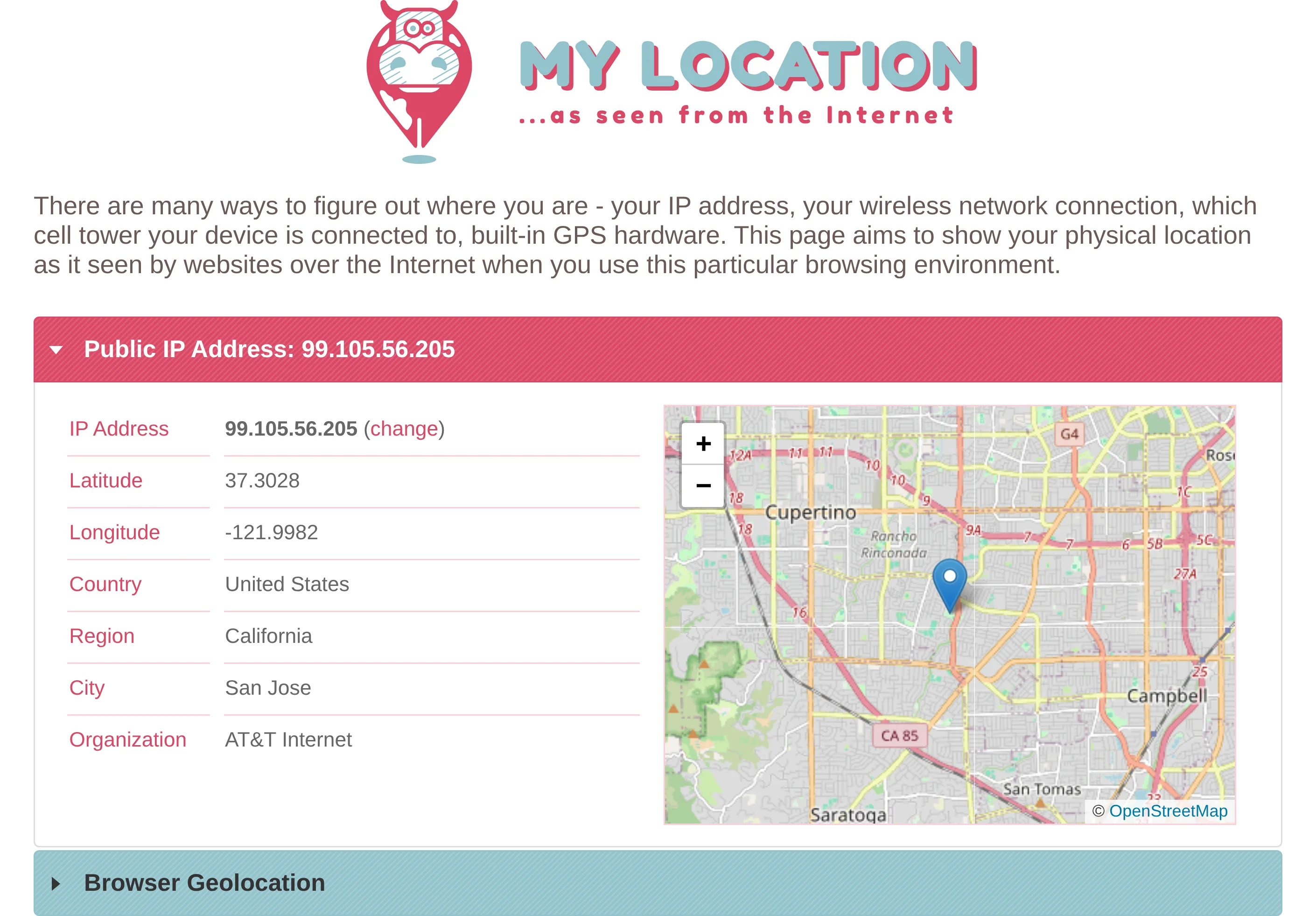
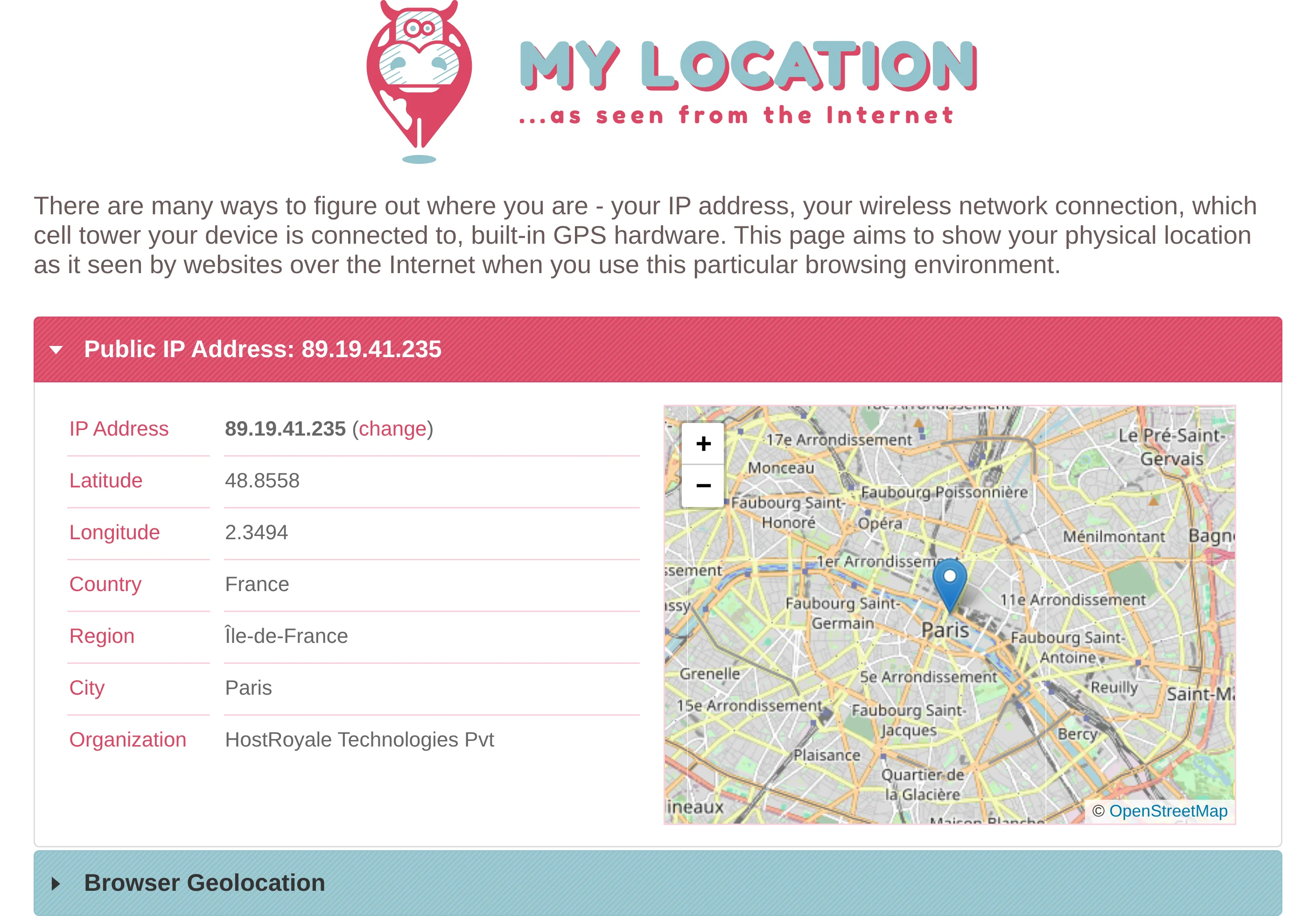
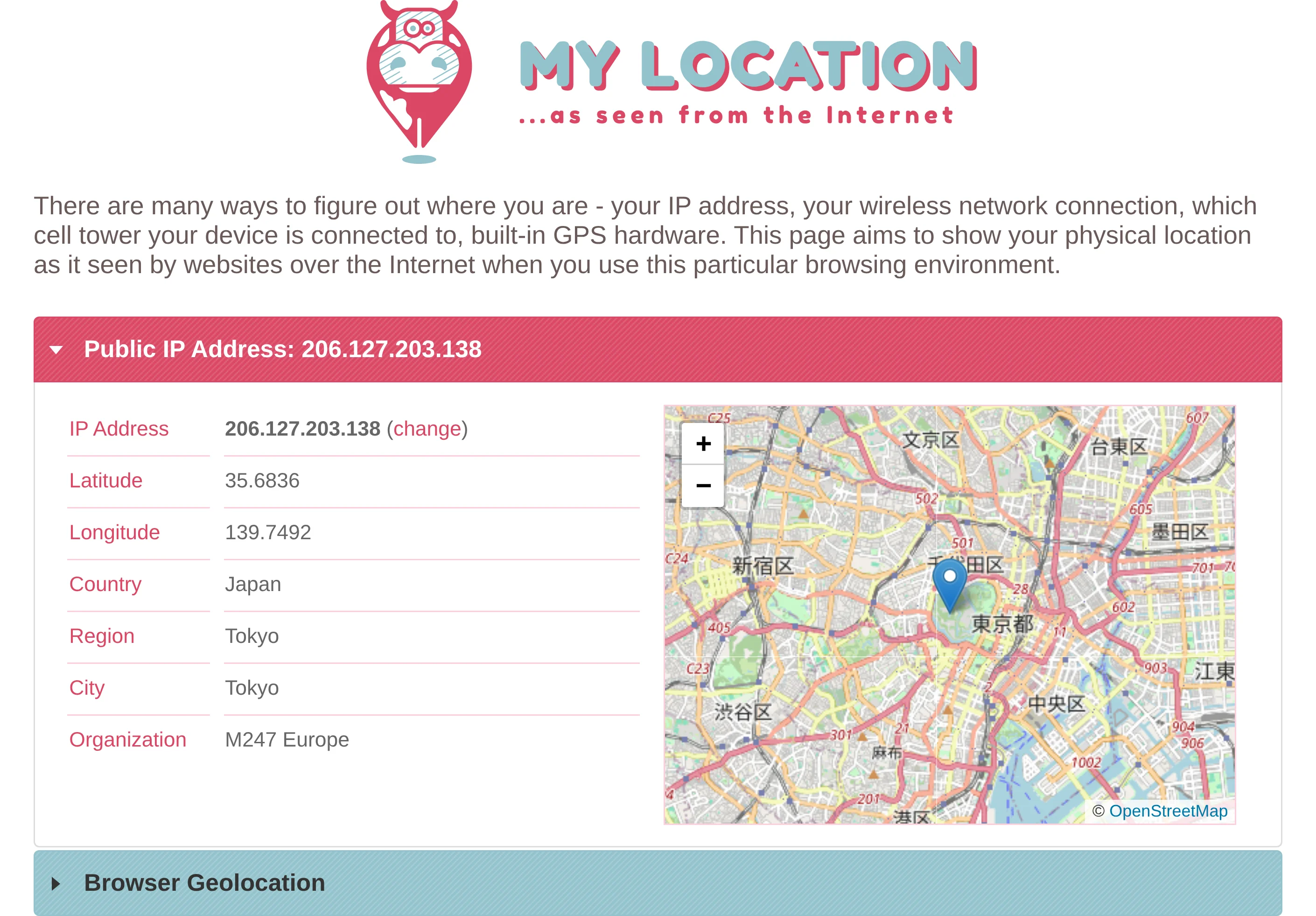
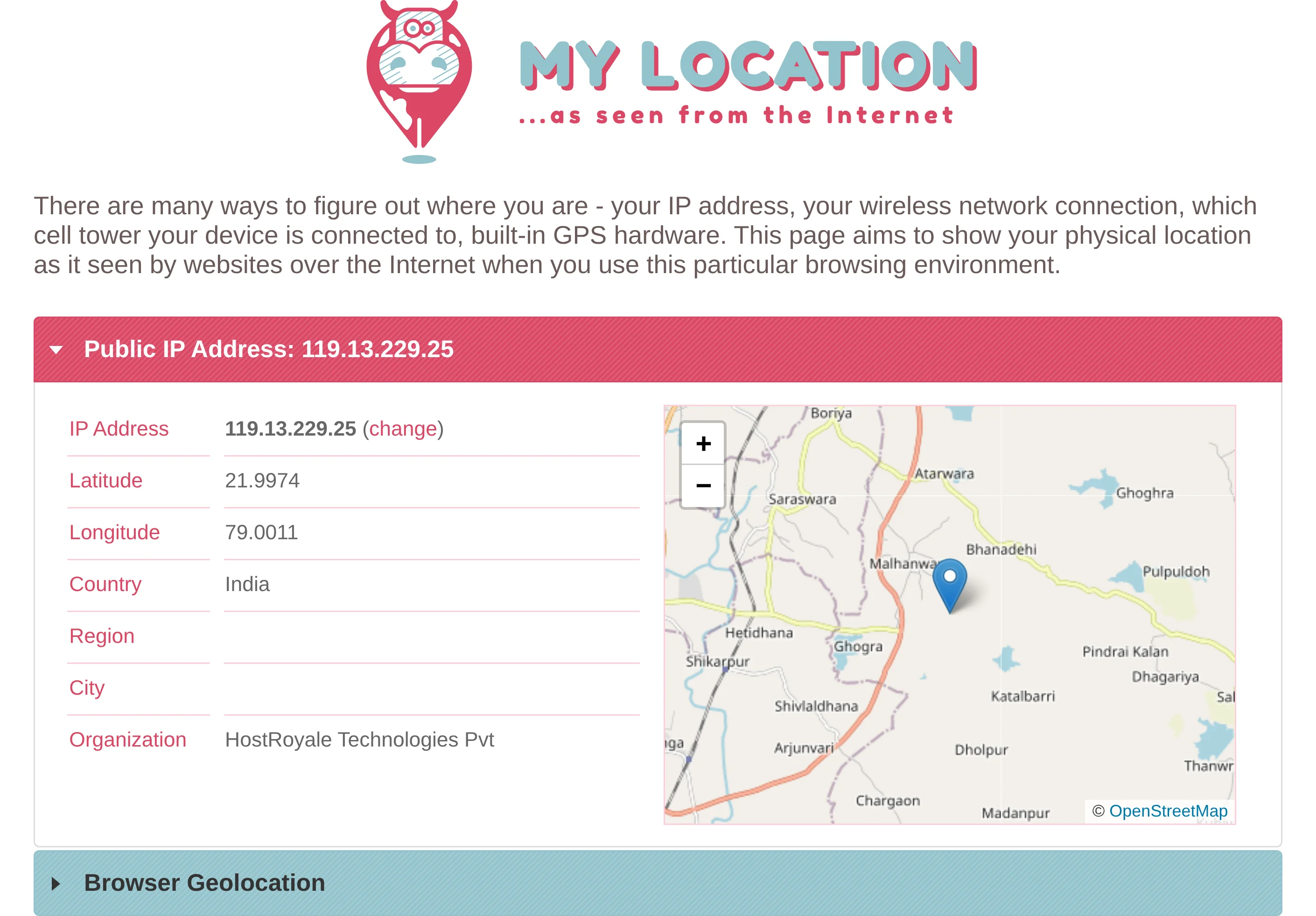
Run captures from distributed browsers across countries to validate localization, pricing, and content delivery behavior.
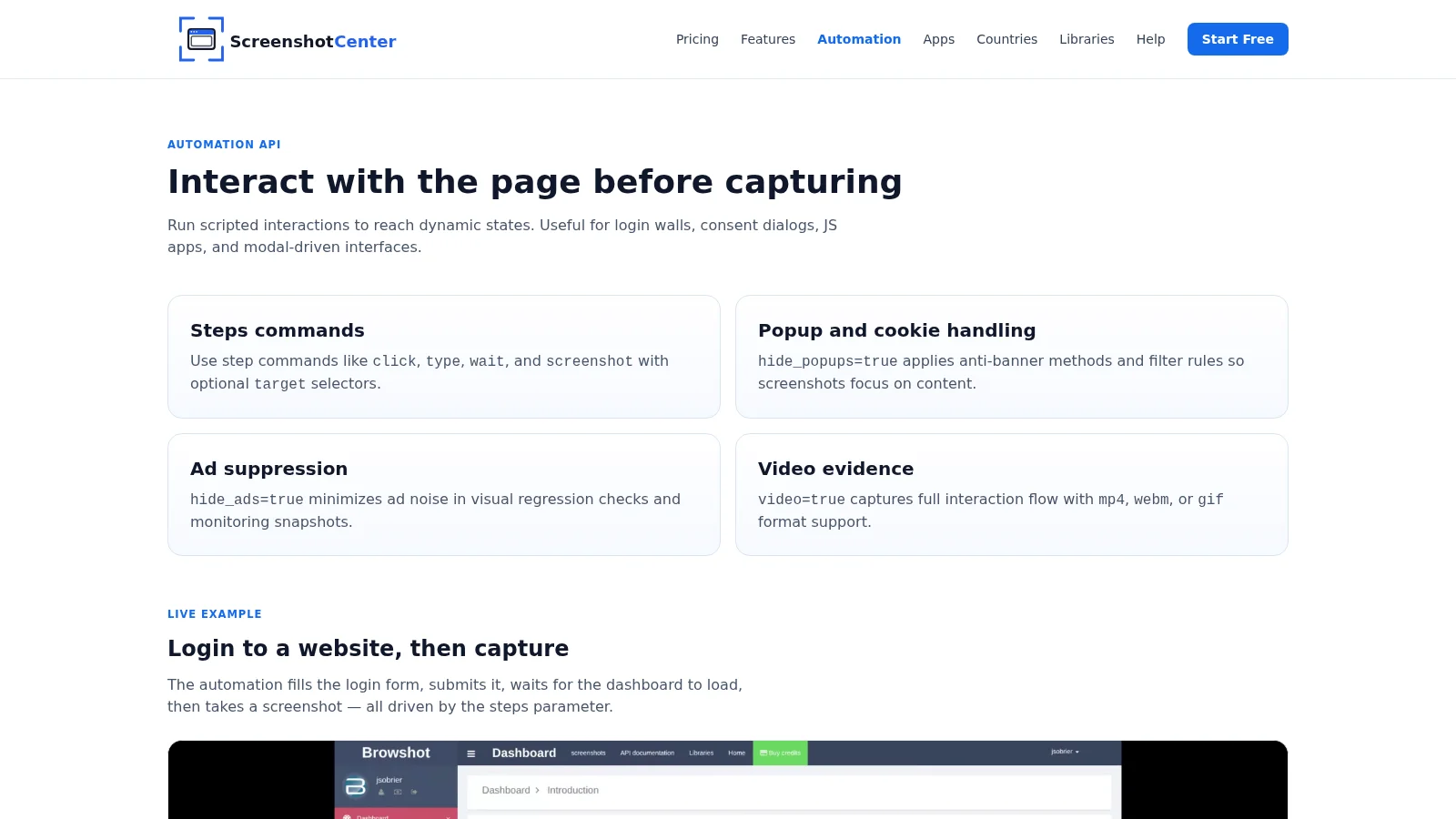
Use steps for click, type, wait, and targeted screenshots to capture dynamic experiences.
Hide ads, cookie consent banners, and intrusive popups for cleaner QA, monitoring, and reporting outputs.
Generate screenshots plus HTML, PDF, video, and optimized thumbnails from one API pipeline.
Connect to Slack, Google Drive, Dropbox, S3-compatible storage, Zapier, and webhooks.
Submit a URL list and capture thousands of pages in one job — with retries, progress tracking, and direct cloud storage delivery.
Point at a URL and automatically discover and screenshot every page on the domain — no URL list needed.
Screenshots are stored as PNG and converted at request time to PNG/JPEG/WEBP thumbnails with crop and quality controls.
Pass a CSS selector via target to capture one specific component instead of the full viewport.
PNG, JPEG, WebP, PDF, HTML source, and video (MP4, WebM, GIF). You can also generate thumbnails in multiple sizes from a single capture.
Yes. Use automation steps to click, type, scroll, wait, and navigate before the screenshot is taken. This handles login walls, consent dialogs, and dynamic JavaScript states.
Over 80 countries across Americas, Europe, and APAC. Each capture runs through a browser physically located in the selected country for accurate geo-targeting.
PNG screenshots and basic automation are available on all plans including the free Trial. PDF, video, extended countries, and advanced integrations unlock on Starter and higher plans.
Create a free account and validate your workflow on real pages before moving to production. No credit card required.